
Search by text
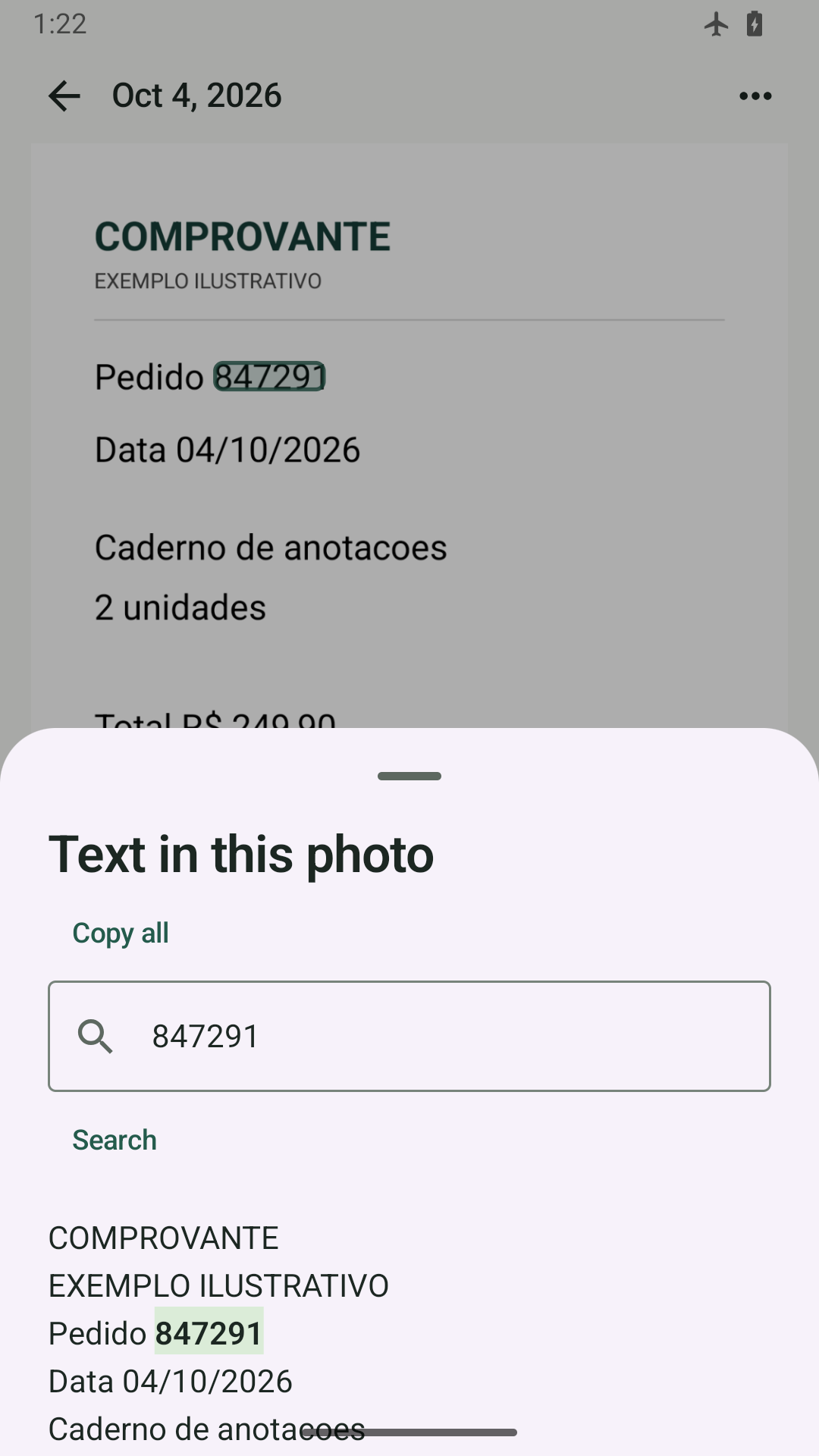
Search words, amounts, dates and codes recognized in selected images.
 PhotoSift
You remember what it said. PhotoSift finds the photo. Turn receipts, notes and screenshots into a searchable collection.
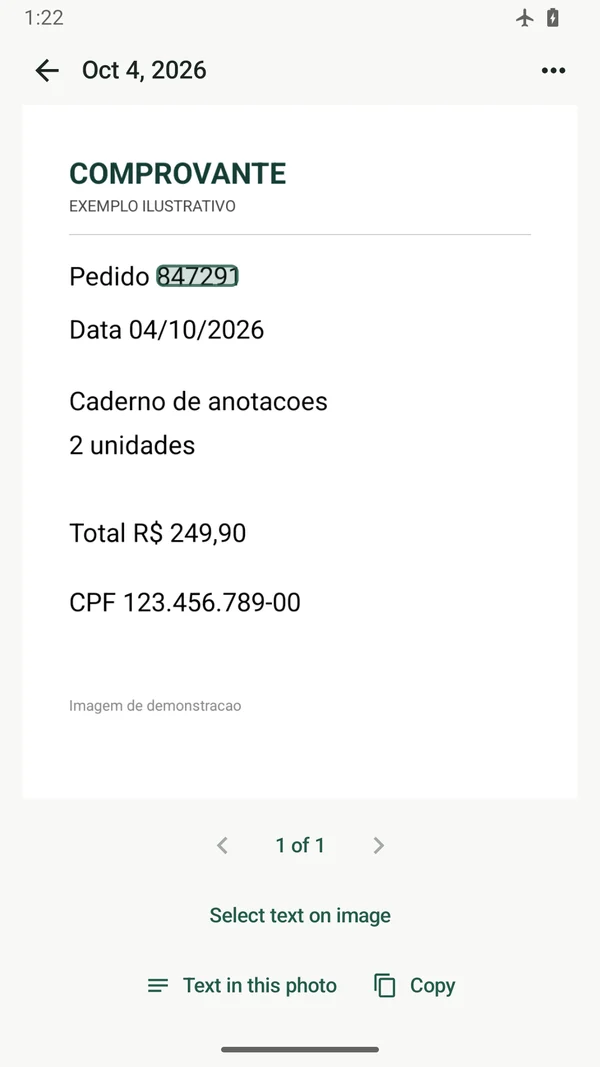
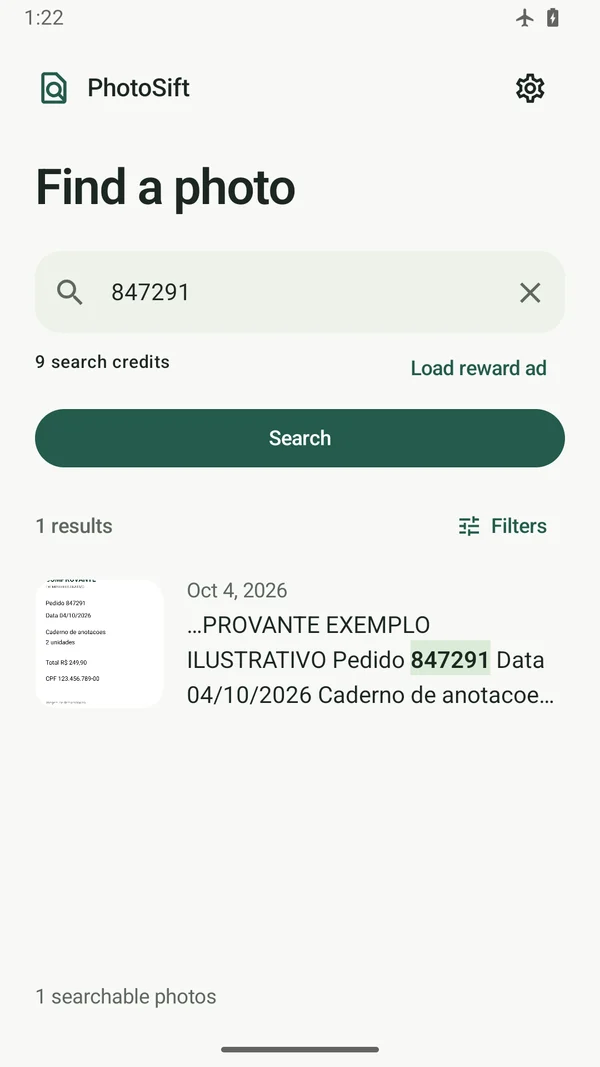
Search words, amounts, dates and codes recognized in selected images.
Open the photo with the match highlighted and read the extracted text.
Photos, text recognition and searches are processed locally.
Actual Android app screenshots. Promotional images are presentation artwork.
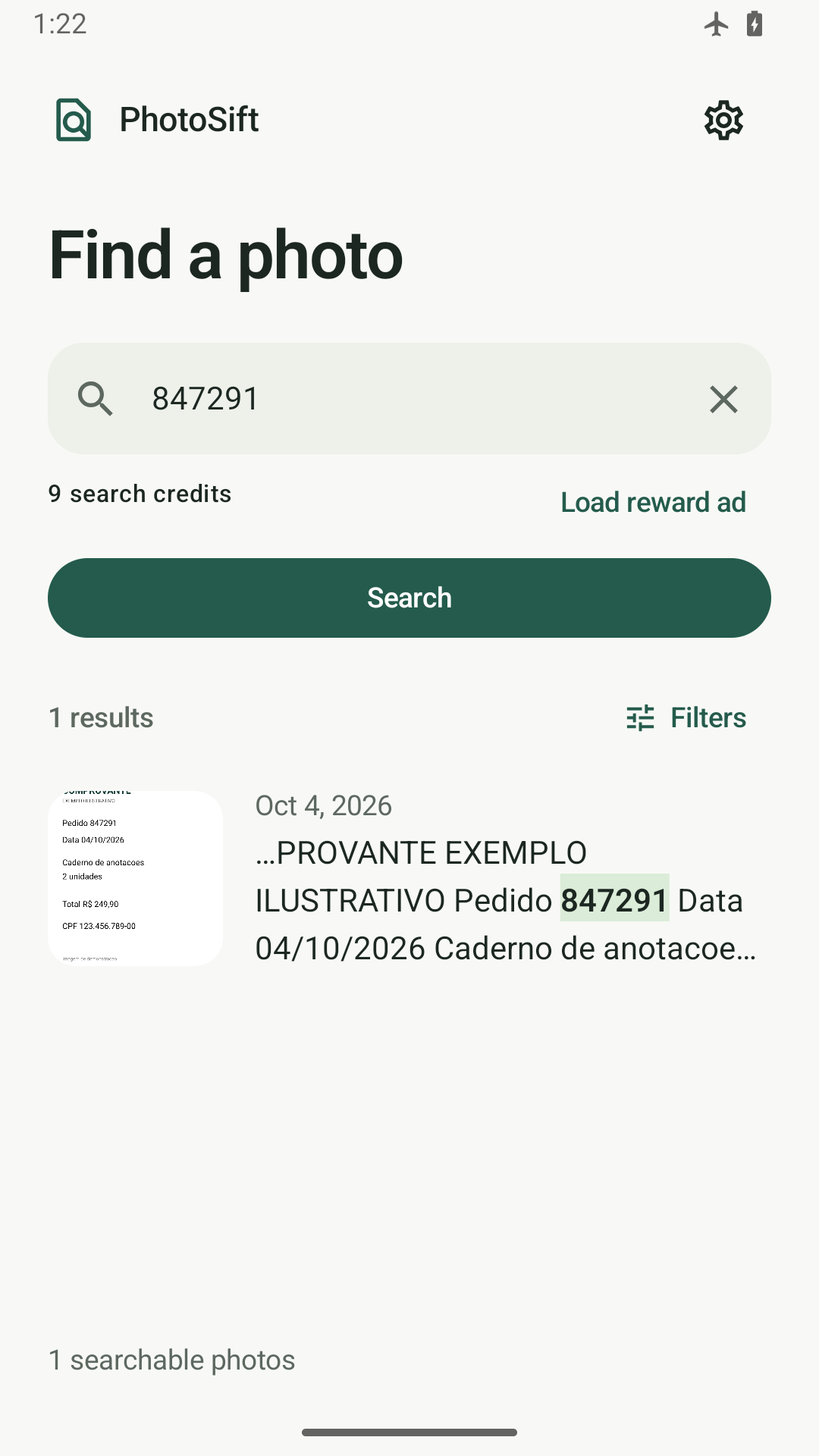
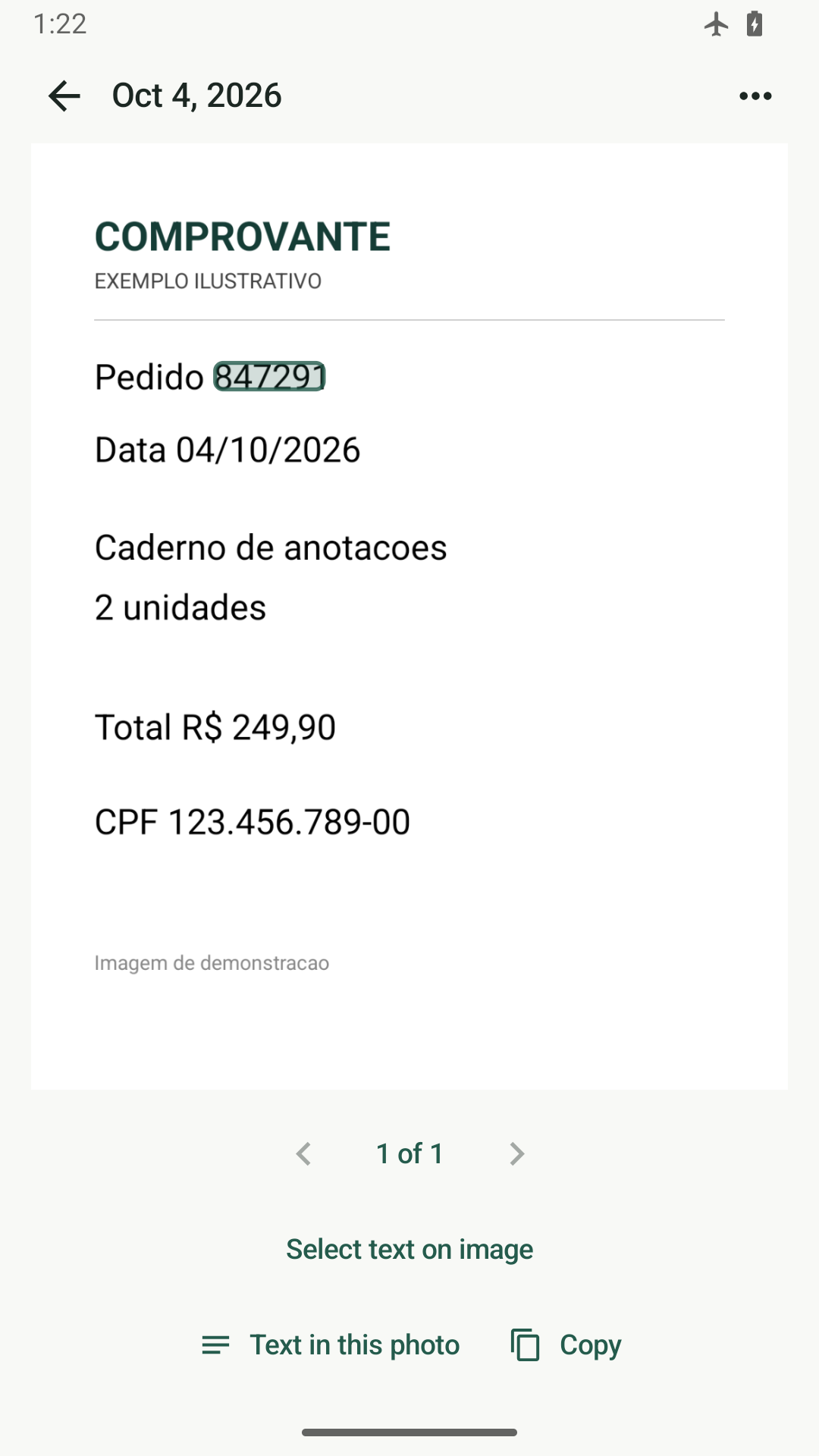
Free searches use credits. Optional rewarded ads unlock more searches; a one-time purchase removes ads and unlocks unlimited search. Ads and purchases require internet.
Store availability depends on release approval.